


 By
By If you’re still evaluating whether ClickUp is right for your team, read our detailed ClickUp project management review to understand its strengths and limitations first.
I won’t lie; I really wanted to like ClickUp.
On paper, it promises everything. Tasks, docs, goals, dashboards, automation, reporting, and enough settings to run a small country. But after using it across different projects, I kept running into the same problem many teams do.
ClickUp tries to do too much.
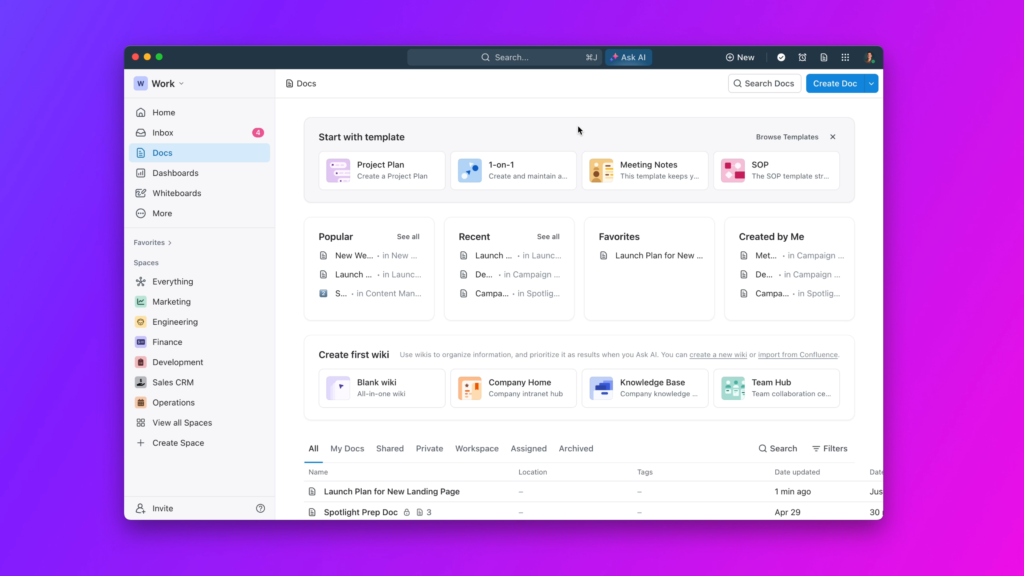
For some teams, that power is exactly what they want. For others, it becomes friction. Pages load slowly. Setup takes longer than expected. Simple workflows start feeling heavier than they need to be.
If you are here, chances are you are not looking for more features. You are looking for something that fits how you actually work.
This guide covers the best ClickUp alternatives based on simplicity, structure, flexibility, and real-world usability.
Why People Look for ClickUp Alternatives
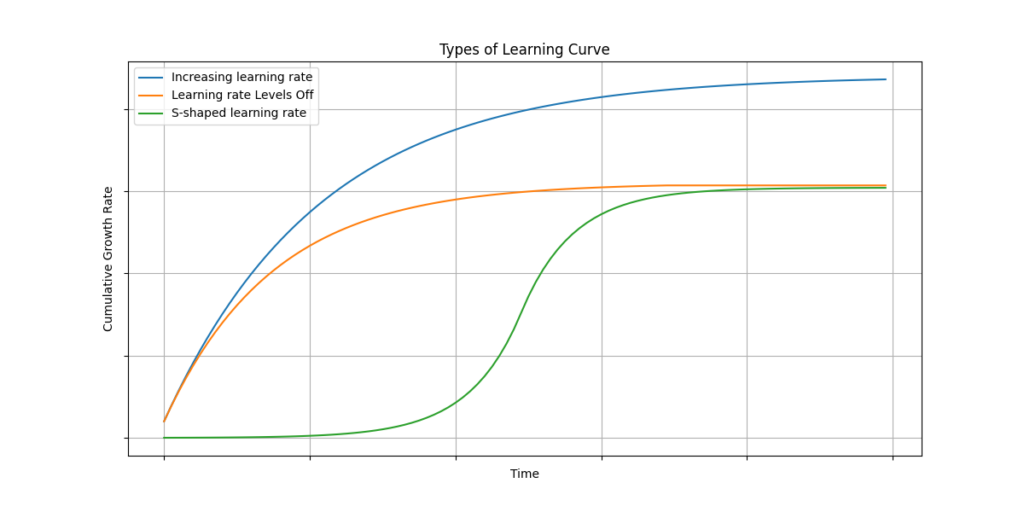
ClickUp is not a bad tool. It is a powerful one. But power comes with tradeoffs.
The most common reasons people switch include:
- The interface feels cluttered once projects grow
- There are too many ways to do the same thing
- Performance issues on larger workspaces
- Pricing increases as teams scale
- Setup and maintenance take ongoing effort
If your team spends more time managing the tool than the work itself, an alternative often makes sense.
Quick Overview of the Best ClickUp Alternatives
| TOOL | BEST FOR | MAIN STRENGTH | BIGGEST LIMITATION |
| Asana | Structured teams | Clear workflows | Less customization |
| Monday.com | Visual planners | Intuitive boards | Can get expensive |
| Notion | Flexible systems | Custom setups | Requires manual structure |
| Trello | Simple tracking | Ease of use | Limited depth |
| Wrike | Reporting-heavy teams | Strong analytics | Steeper learning curve |
ASANA
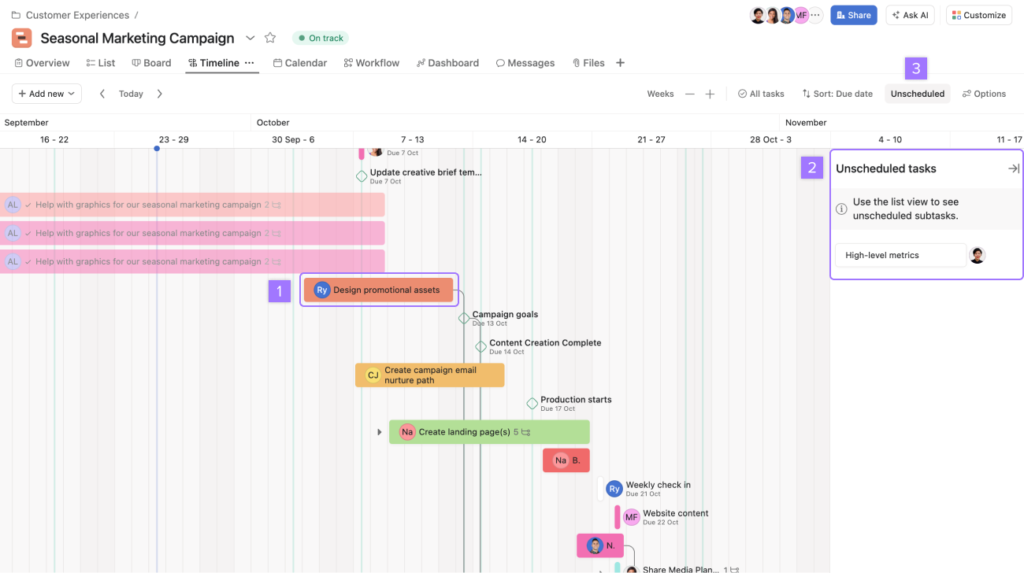
Asana is a strong ClickUp alternative for teams that want structure without endless configuration.
It focuses on task dependencies, timelines, and clear ownership. You spend less time deciding how to build the system and more time using it.
Where Asana works well is clarity. Projects feel predictable. Tasks move forward without needing constant tweaking.
Where it falls short is flexibility. If you want deep customization or all-in-one documents, Asana can feel limiting.
Best for teams that value structure and consistency over customization.
MONDAY.COM
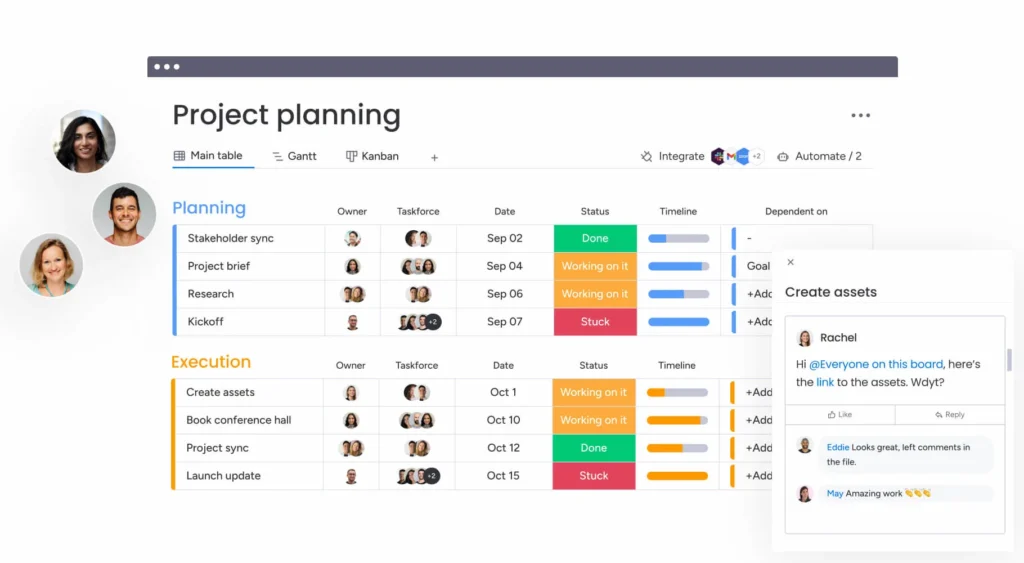
Monday.com is one of the most intuitive ClickUp alternatives, especially for non-technical teams.
Everything is visual. Boards, statuses, timelines, and dashboards are easy to understand, even for first-time users. It feels approachable in a way ClickUp often does not.
The downside is pricing. Costs rise quickly as teams grow, and some features feel locked behind higher plans.
Best for teams that want visibility and ease of use without a steep learning curve.
NOTION
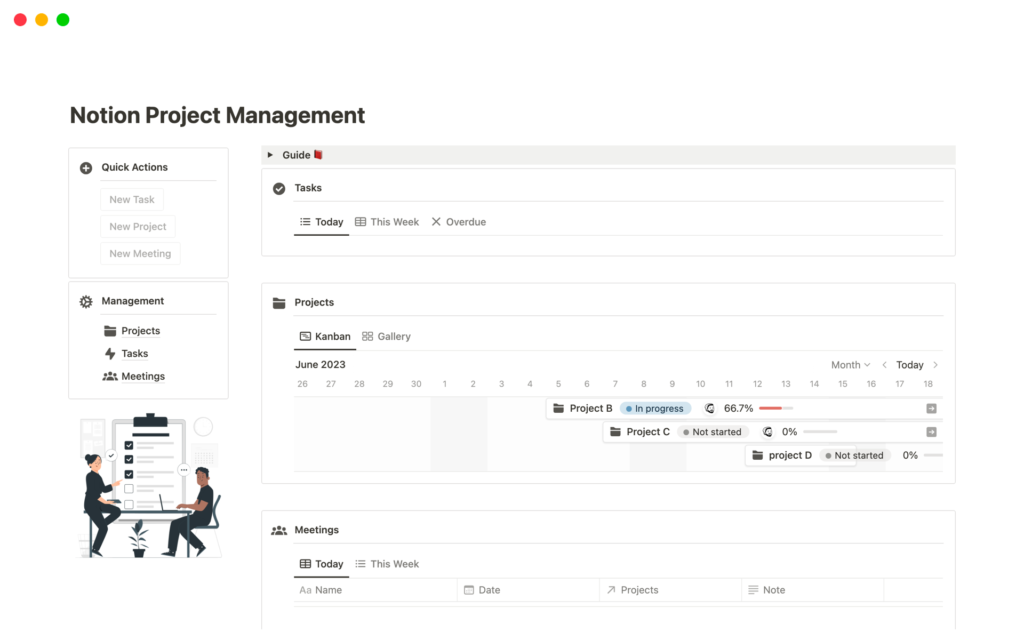
Notion is not a traditional project management tool, but many teams use it as a ClickUp replacement anyway.
Its strength is flexibility. You can build task boards, docs, wikis, and lightweight project trackers in one place. If you enjoy designing your own workflows, Notion gives you that freedom.
The tradeoff is structure. Notion does very little for you by default. Without discipline, things can get messy fast.
Best for individuals or teams that want a customizable workspace rather than a rigid system.
TRELLO
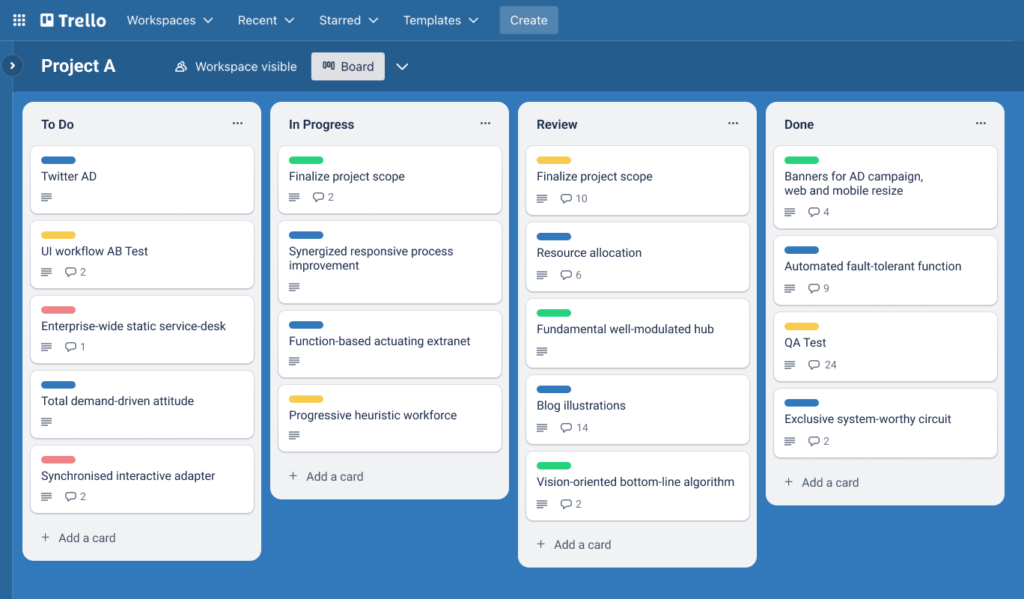
Trello is the simplest ClickUp alternative on this list.
If ClickUp feels overwhelming, Trello feels refreshing. Boards, lists, cards, and almost nothing else. You can understand it in minutes.
The limitation is depth. Trello works well for straightforward task tracking but struggles with complex projects, reporting, or dependencies.
Best for small teams or simple workflows that do not need advanced features.
WRIKE
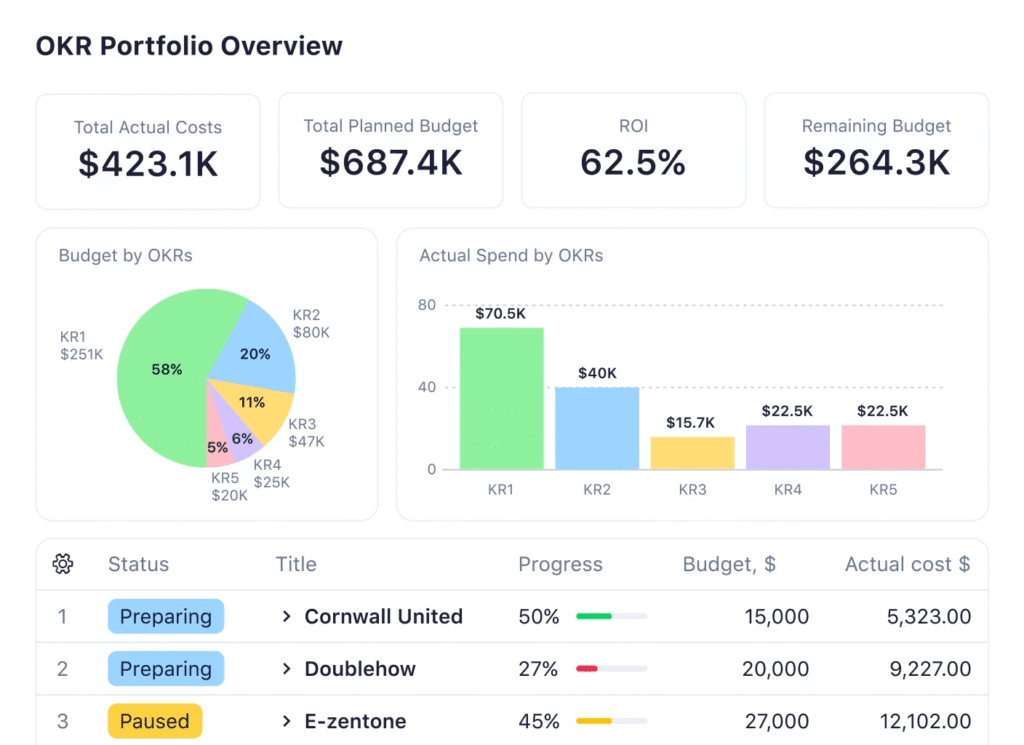
Wrike is a more enterprise-focused ClickUp alternative.
It offers strong reporting, workload management, and structured project views. If you manage multiple projects across teams and need visibility at scale, Wrike handles that better than most tools.
The downside is complexity. Wrike has a learning curve and is not ideal for casual users or small teams.
Best for teams that need reporting and oversight more than flexibility.
Pricing Comparison at a Glance
Pricing is often the final reason people move away from ClickUp. Not because ClickUp is expensive on its own, but because costs increase quickly as teams grow.
This table is meant to set expectations. Always verify current pricing directly with the provider.
| TOOL | FREE PLAN | PAID PLANS START AROUND | PRICING NOTES |
| Asana | Yes | ~ $11 per user | Predictable tiered pricing |
| Monday.com | Limited | ~ $ 9 per user | Scales quickly with team size |
| Notion | Yes | ~ $10 per user | Strong value for small teams |
| Trello | Yes | ~ $ 5 per user | Affordable but limited |
| Wrike | Limited | ~ $ 10 per user | Better value for reporting-heavy teams |
How Pricing Should Influence Your Choice
Price alone should never be the deciding factor.
A cheaper tool that slows your team down ends up costing more than a slightly higher-priced tool that fits your workflow.
If ClickUp became expensive because you were paying for features you never used, switching to a simpler alternative often delivers better value even at a similar price point.
Use pricing as a filter, not a shortcut.
How to Choose the Right ClickUp Alternative
- If ClickUp felt too complex, look at Trello or Monday.com.
- If you want structure without overload, Asana is a strong option.
- If flexibility matters most, Notion stands out.
- If reporting is critical, Wrike is worth considering.
The best alternative is the one that supports your workflow instead of reshaping it.Final Thoughts
ClickUp is powerful, but power is not always productive.
Many teams perform better with tools that do fewer things well instead of everything at once. The right ClickUp alternative reduces friction, not just features.
If you are evaluating options, test one tool with a real project. The difference becomes obvious very quickly.
Optional but Highly Effective Next Step
If you want to go deeper, each tool above deserves its own breakdown.
You may want to explore:
- Asana alternatives for structured teams
- Monday.com alternatives for visual workflows
- Notion alternatives for flexible setups
- Trello alternatives for growing teams
These deeper comparisons help confirm your decision before switching.
1 Comment