

 By
By ClickUp Project Management: An Honest Review for Businesses
ClickUp is an all-in-one project management software used by startups, agencies, and mid-sized businesses to manage tasks, teams, and workflows in a single workspace.
Marketed as the “everything app for work,” ClickUp aims to replace multiple tools. The real question isn’t what it can do — it’s whether teams can actually use it efficiently without friction.
This review breaks down features, benefits, pricing, and limitations without marketing bias.
Core ClickUp Project Management Features
Task & Workflow Management
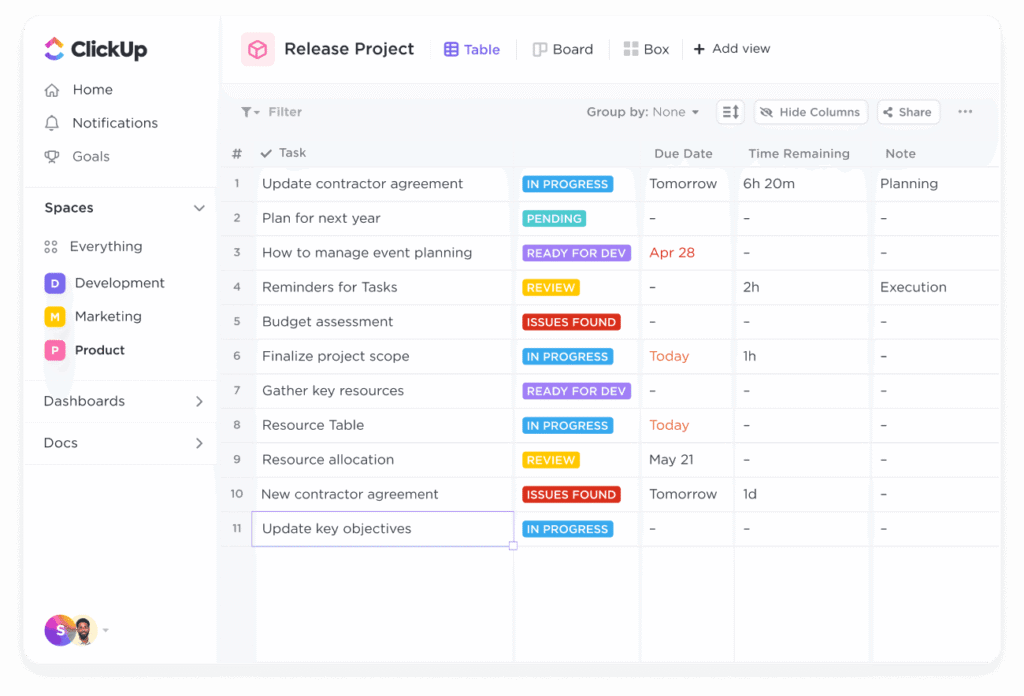
ClickUp allows teams to create tasks, subtasks, dependencies, priorities, and custom statuses.
Strength: Highly customizable workflows
Limitation: Setup is time-consuming and requires ongoing maintenance
This flexibility is powerful for complex teams but overwhelming for simpler use cases.
Multiple Project Views (List, Board, Gantt, Calendar)
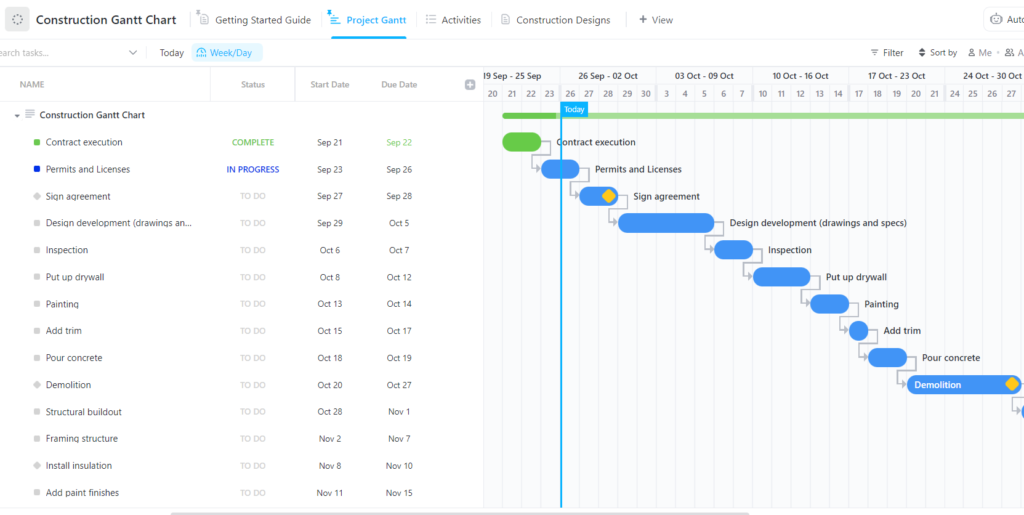
ClickUp supports multiple views so teams can visualize the same data differently.
Managers love this. Individual contributors often don’t — because switching views doesn’t fix bad workflow design.
Automation & Integrations

ClickUp includes automation rules and integrations with tools like Slack, Google Drive, and GitHub.
Automation works well after configuration. Before that, it’s another learning curve most teams underestimate.
Docs, Dashboards & Goals
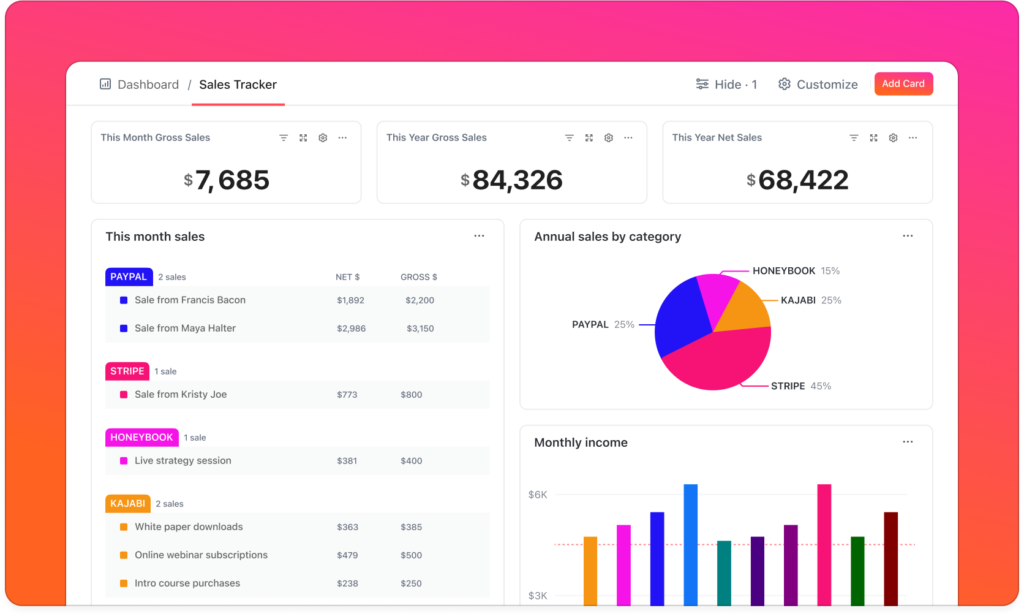
ClickUp bundles documentation, reporting dashboards, and goal tracking into the platform.
This is useful for leadership and operations teams — but unnecessary overhead for users who just want task clarity.
How ClickUp Helps Businesses
Centralized Project Management
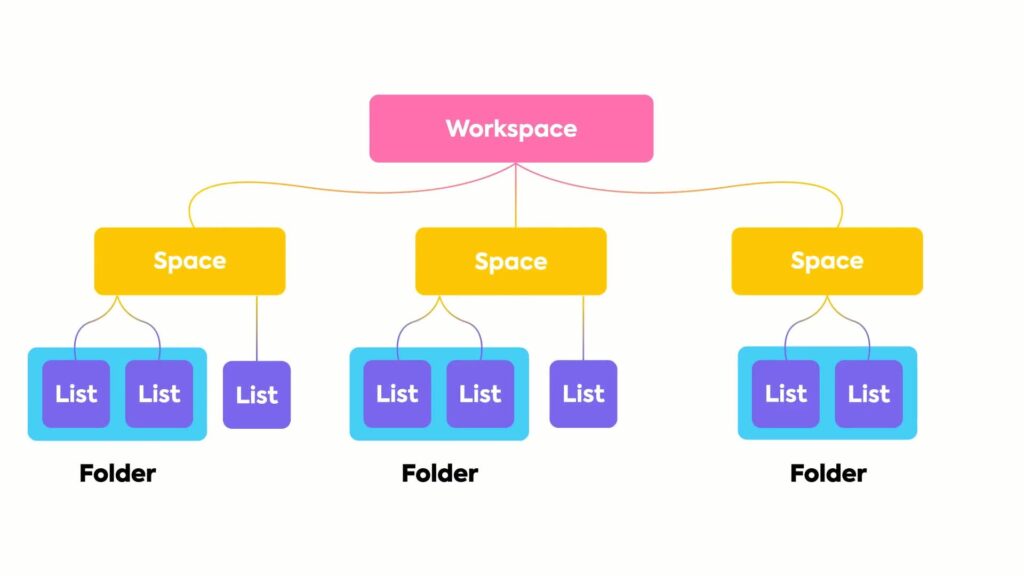
ClickUp reduces tool sprawl by centralizing work, communication, and reporting.
That sounds efficient — until teams realize centralization only works if adoption is consistent.
Scales With Growing Teams
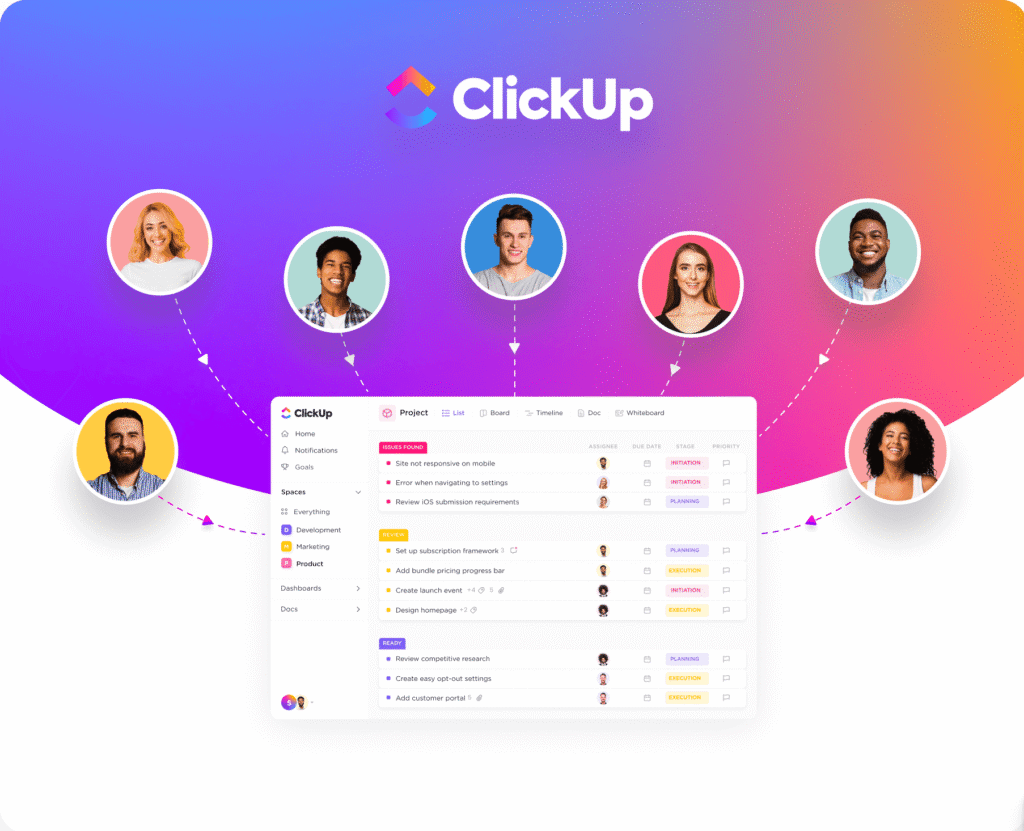
ClickUp adapts as workflows become more complex, making it suitable for scaling teams and agencies.
However, scaling also increases workspace clutter if governance isn’t enforced early.
Where ClickUp Falls Short (Most Reviews Skip This)
Steep Learning Curve
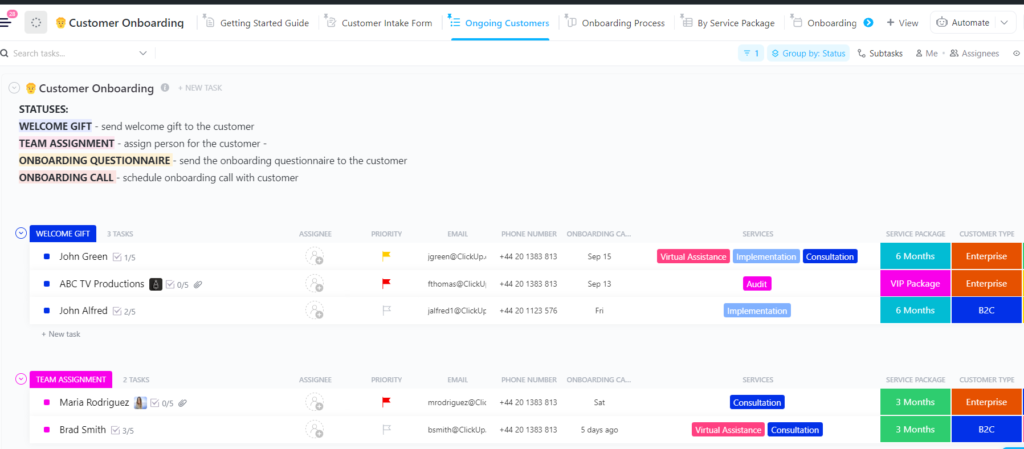
New users frequently feel overwhelmed. Without proper onboarding, ClickUp becomes underused or misused.
This isn’t a beginner-friendly tool — pretending otherwise is dishonest.
Feature Overload
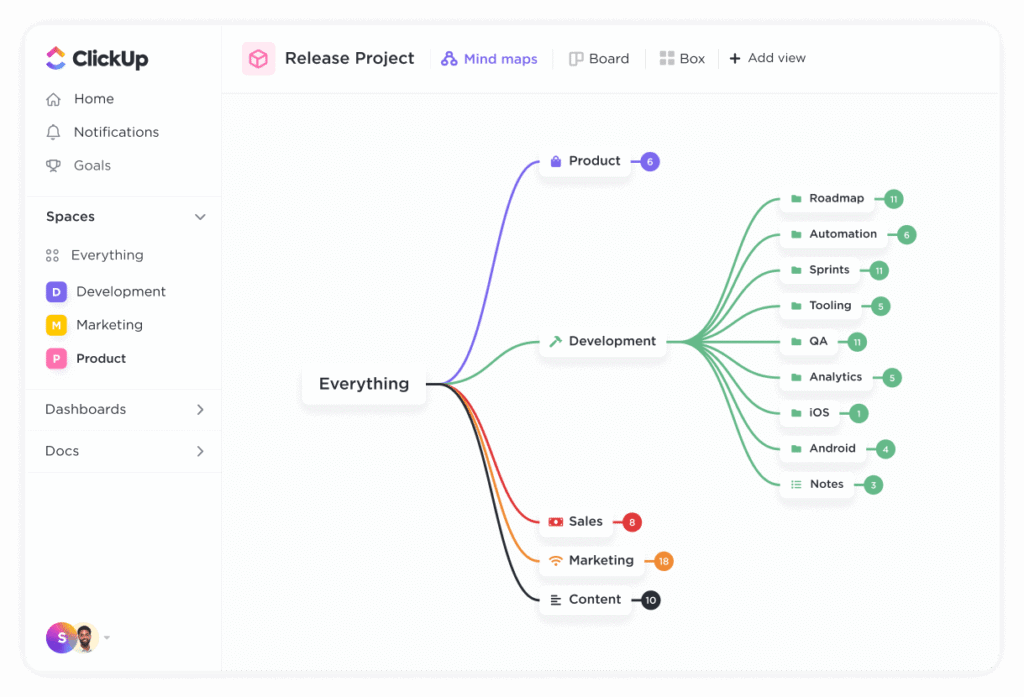
ClickUp includes far more features than most teams need.
The result? Bloated interfaces, inconsistent usage, and wasted setup time.
If ClickUp feels overwhelming or too complex for your team, you may want to explore best ClickUp alternatives for project management that focus on simplicity and speed.
Performance Issues at Scale
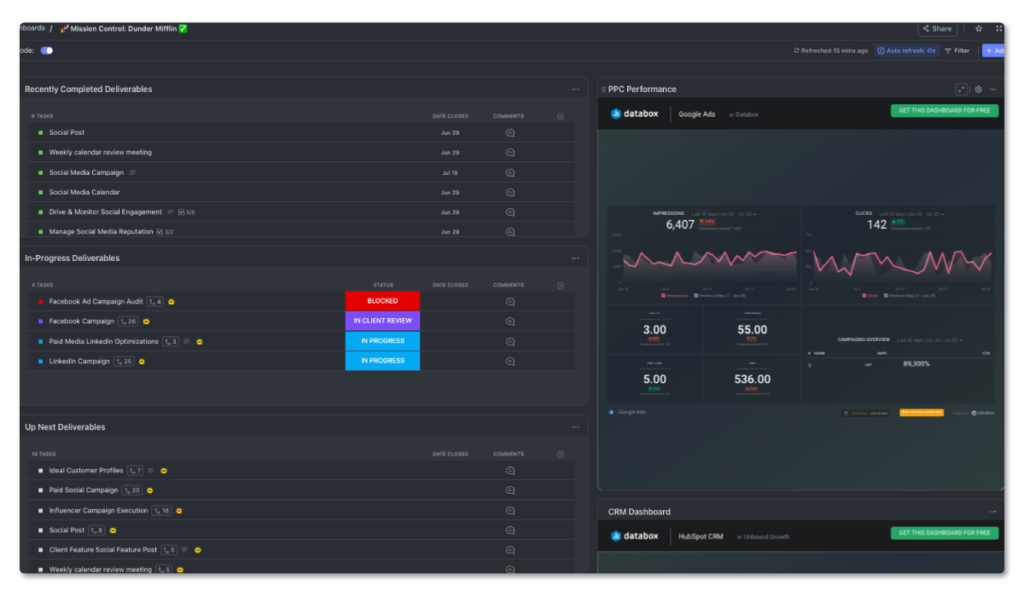
As projects, tasks, and dashboards grow, performance can suffer.
Lag might not break workflows — but it definitely erodes productivity.
ClickUp Pros vs Cons (Quick Comparison)
| CATEGORY | STRENGTHS | LIMITATIONS |
| Ease of Use | Powerful once learned | Steep learning curve |
| Features | Extremely feature-rich | Overwhelming for small teams |
| Customization | Flexible workflows | Time-intensive setup |
| Performance | Scales initially | Can slow in large workspaces |
| Best for | Complex teams & agencies | Not simplicity-first teams |
ClickUp Pricing Overview
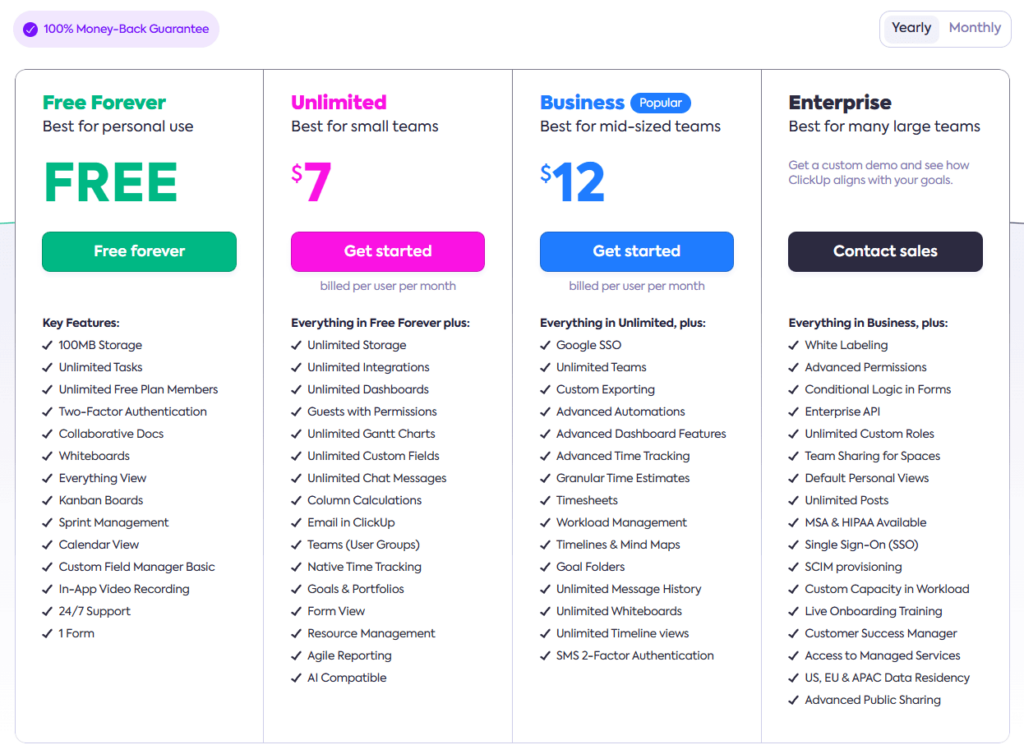
ClickUp offers a free plan with limitations. Paid plans unlock automation, dashboards, and advanced reporting.
Reality check: Pricing is only “good value” if your team actually uses the advanced features.
When ClickUp Makes Sense — and When It Doesn’t
ClickUp is a strong fit if:
- You manage complex, multi-step workflows
- You can invest time in onboarding
- You want one centralized system
ClickUp is a poor fit if:
- You prioritize speed and simplicity
- Your team resists complex tools
- You only need basic task management
When to Consider ClickUp Alternatives
Many businesses start searching for alternatives after struggling with:
- Feature overload
- Slow performance
- Difficult onboarding
Not sure ClickUp is the right fit? This comparison of the best ClickUp alternatives breaks down simpler tools based on real business needs.
That guide covers simpler, faster tools better aligned with real-world usage.
Final Verdict
ClickUp is powerful — but power comes with friction.
For the right team, it becomes a scalable operations hub.
For everyone else, it turns into an overengineered system that slows work down.
Choosing ClickUp isn’t about features.
It’s about whether your team can handle the complexity without losing momentum.
1 Comment